Checked in PRGRES 1.6 on
A workout tracker that keeps your data on your iPhone
PRGRES is a free workout tracker for iPhone and iPad that stores your workouts, plans and history on the device. There's no account and no sign-in, no ads, no analytics and no server of ours that your workouts go to. It works fully offline, and its App Store privacy label reads “Data Not Collected”.

PRGRES is free on the App Store for iPhone and iPad with iOS 17 or later.
At a glance
No account: no sign-up, no email, no password. Open the app and log.
Data Not Collected: the App Store privacy label. No ads, analytics or tracking SDKs.
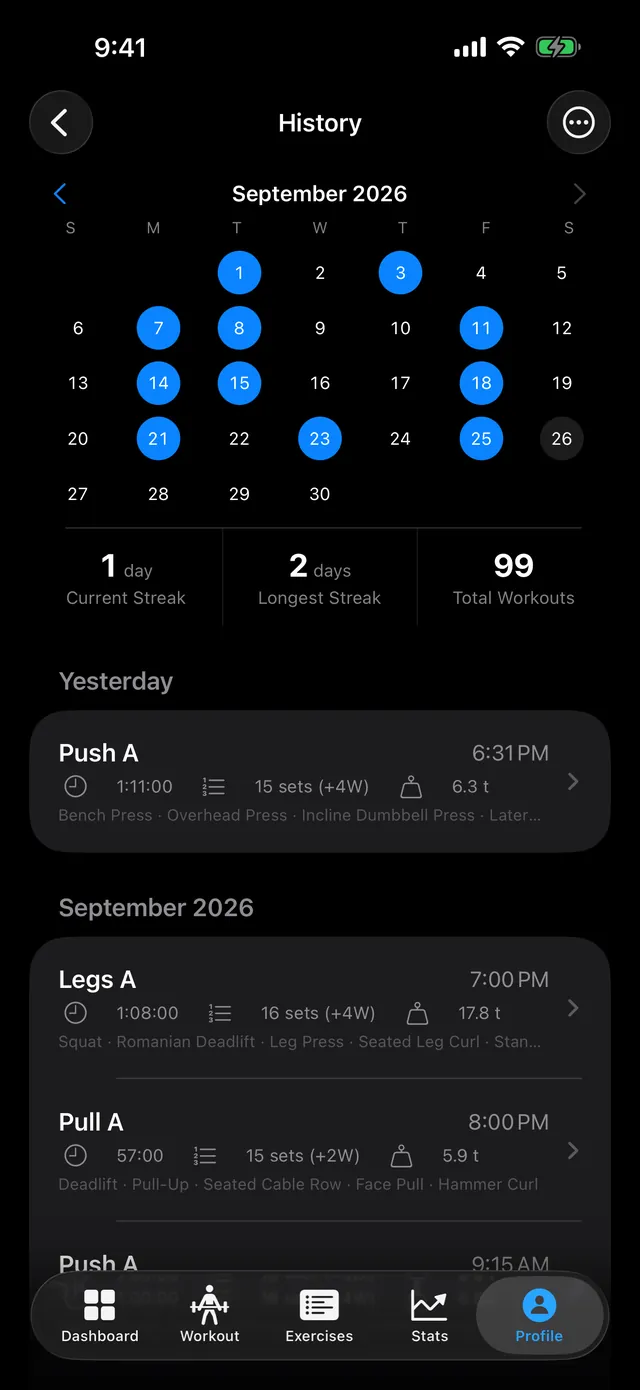
Offline: logging, the rest timer, history and charts all work in Airplane Mode.
Your copy: export your whole history to CSV whenever you like.
How can you check that PRGRES doesn't send your data anywhere?
Three ways, none of which need you to trust us: read the App Store privacy label, use the app in Airplane Mode, and turn on iOS's App Privacy Report, which lists every domain each app contacts. PRGRES has no networking code, so it shouldn't show any network activity there.
- The privacy label. On PRGRES's App Store page, scroll to App Privacy. It reads “Data Not Collected”. Apple requires developers to declare what their app collects.
- Airplane Mode. Turn it on, open PRGRES and log a workout. Everything works: suggestions, PRs, the rest timer, history, charts and XP. Nothing waits for a server.
- App Privacy Report. Go to Settings → Privacy & Security → App Privacy Report and turn it on. Use PRGRES as usual for a few days, then open the report. Under App Network Activity, PRGRES shouldn't appear, because it never contacts a domain. If you allowed Apple Health, you'll see that under Data & Sensor Access. If PRGRES ever shows network activity there, email me at baris@prgrs.app.
What can leave your phone?
Only what you choose to send: a CSV export, a shared workout, plan or card, or an email to us. Dictation in Quick Log uses Apple's speech recognition, Apple Health keeps the workouts you save to it, and your iCloud or computer backups include PRGRES's data like any other app's.
Links you tap, such as the privacy policy or the App Store page from Rate PRGRES, open in Safari or the App Store, not inside PRGRES. The privacy policy lists every case in full.
What happens if you lose your phone?
Today your data is on the phone and in your device backups, and nowhere else. Restoring an iCloud or computer backup brings it back. You can also export everything to CSV from Settings at any time. Cloud sync is planned as an opt-in paid feature; it isn't in PRGRES yet.
Coming from another app? The import guide shows how to bring your history over, and it stays on your phone after that too.
Will that change when paid features arrive?
Not for the free app. Logging, history, plans, stats and the game side keep working with no account and no network. The paid tier planned for 2.0 adds cloud sync and backup, an AI coach and hosting friend leagues. Those are opt-in, and only those features use an account or a server.
- Cloud sync and backup will use Sign in with Apple, and the data will be stored in the EU.
- The AI coach will run on your iPhone where Apple's on-device model is available. On other iPhones, it will ask before it sends anything to a server and say which AI provider is used.
- Friend leagues will upload only your score for each period, such as sessions per week, never your workouts.
When those features ship, the App Store privacy label will list the data they use, and this page will change with it. Until you turn one on, nothing about your data changes.
Sources
This page describes PRGRES 1.6. The privacy policy is the full legal version, and both change when the app does.

Get the app
Free, with no limits, no account and no ads.
For iPhone and iPad with iOS 17 or later.