Hevy vs PRGRES: Hevy’s free routine limit, compared
Hevy’s free version lets you save 4 routines. PRGRES is a free workout tracker for iPhone with no routine limit, and it imports your Hevy history.

PRGRES is free on the App Store for iPhone and iPad with iOS 17 or later. This site calls it PRGRS.
Last checked
Hevy’s free routine limit: 4 routines
Hevy’s free version caps you at 4 routines. It also limits you to 7 custom exercises and 3 months of data history. Hevy Pro, Hevy’s paid upgrade, makes all three unlimited.
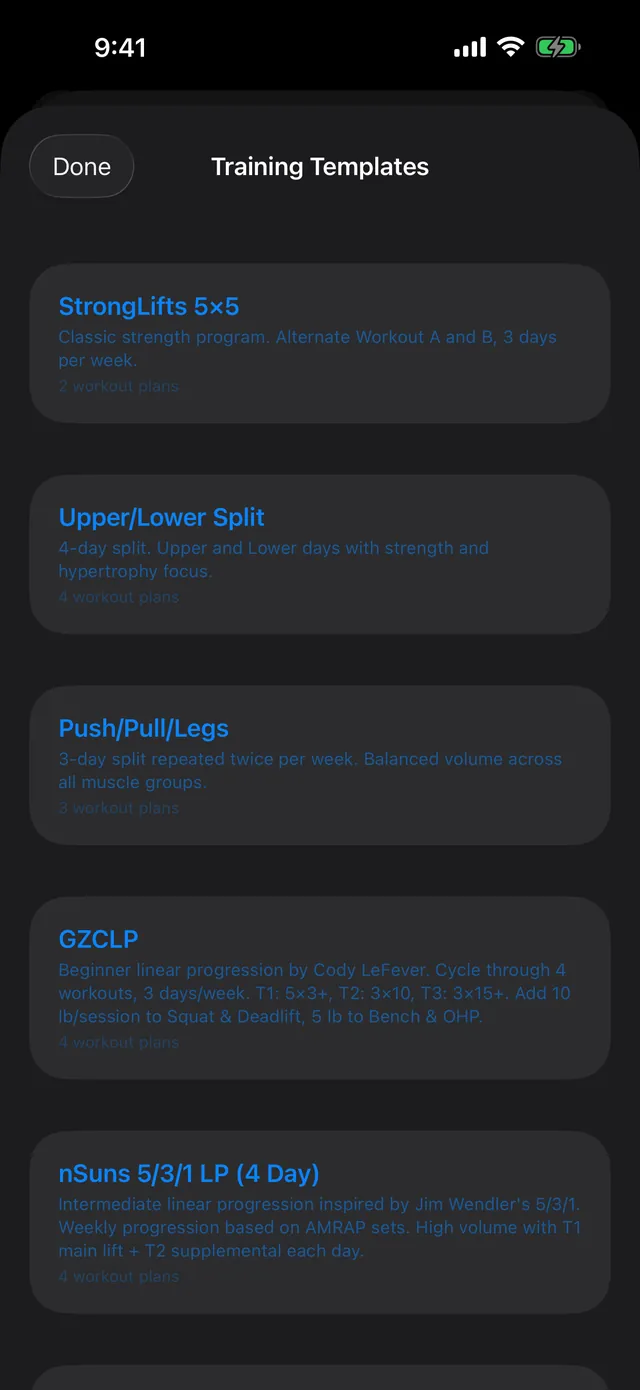
In PRGRES, routines are called plans, and there’s no limit on how many you save. You don’t pay for them either: every feature in the app today is free.
Hevy vs PRGRES at a glance
| Feature | Hevy, free version | PRGRES |
|---|---|---|
| Routines | Up to 4 | No limit |
| Unlimited routines | With Hevy Pro (paid) | Free |
| Account | You sign in to a Hevy profile | None |
| Where workouts are kept | On Hevy’s servers, under your profile | On your iPhone |
| Devices | iPhone and Android | iPhone and iPad, not synced |
A Hevy alternative with no routine limit
- Free. Everything in PRGRS today is free and will stay free. The one paid thing on the way is an optional AI Coach.
- No account. There’s nothing to sign up for. Open the app and log a workout.
- Unlimited routines. PRGRES calls them plans, and you can save as many as you like.
- Your workouts are stored on your iPhone. PRGRES has no account system and no server, so the developer never receives them.
- Logging works offline. Log a workout with no signal or in airplane mode.
Import your Hevy history into PRGRES
PRGRES imports Hevy’s CSV export, so your past workouts come with you, and every imported workout earns XP.
- In Hevy, go to Profile > Settings > Export & Import Data > Export Data and choose Export Workouts. Save the file to the Files app.
- In PRGRES, open Profile > Settings > Import Workouts, tap Select CSV File and choose the Hevy export. PRGRES recognizes Hevy’s format from the file’s columns.
- Check the preview, then tap the Import button.
PRGRES reads the file on your iPhone and doesn’t upload it anywhere. It imports your workouts, not your routines, so rebuild those as plans. The import guide covers the other apps PRGRES imports from.
What Hevy has that PRGRES doesn’t
Hevy runs on Android as well as iPhone, and because your workouts live on Hevy’s servers, they’re there on any device you sign in on. PRGRES runs only on iPhone and iPad and doesn’t sync: each device keeps its own log, and restoring a backup of your iPhone is how your workouts move to a new phone.
Sources
Hevy’s limits and features were last checked on October 9, 2026, on Hevy’s own help center and website. Hevy’s features change over time, so check its pages for the latest.
PRGRES is free on the App Store for iPhone and iPad with iOS 17 or later. This site calls it PRGRS.